Unsupported Browser! This website will offer limited functionality in this browser. We only support the recent versions of major browsers like Chrome, Firefox, Safari, and Edge.
TsiLang 7.9.11: Our Biggest Update Yet – Smarter AI Translation, Language Fallback Chains, and a New CLI Tool
We’ve just released TsiLang Components Suite 7.9.11, and it’s the biggest update we’ve shipped in a long time. A major overhaul of AI-assisted translation, a brand new way to handle regional language variants, full undo/redo across every editor, native spell checking, new quality-assurance checks, a new command-line tool, and a long list of smaller improvements – all landing in one release, across the whole toolchain (TsiLang Expert, Translation Editor, SIL Editor, and Dictionary Manager).
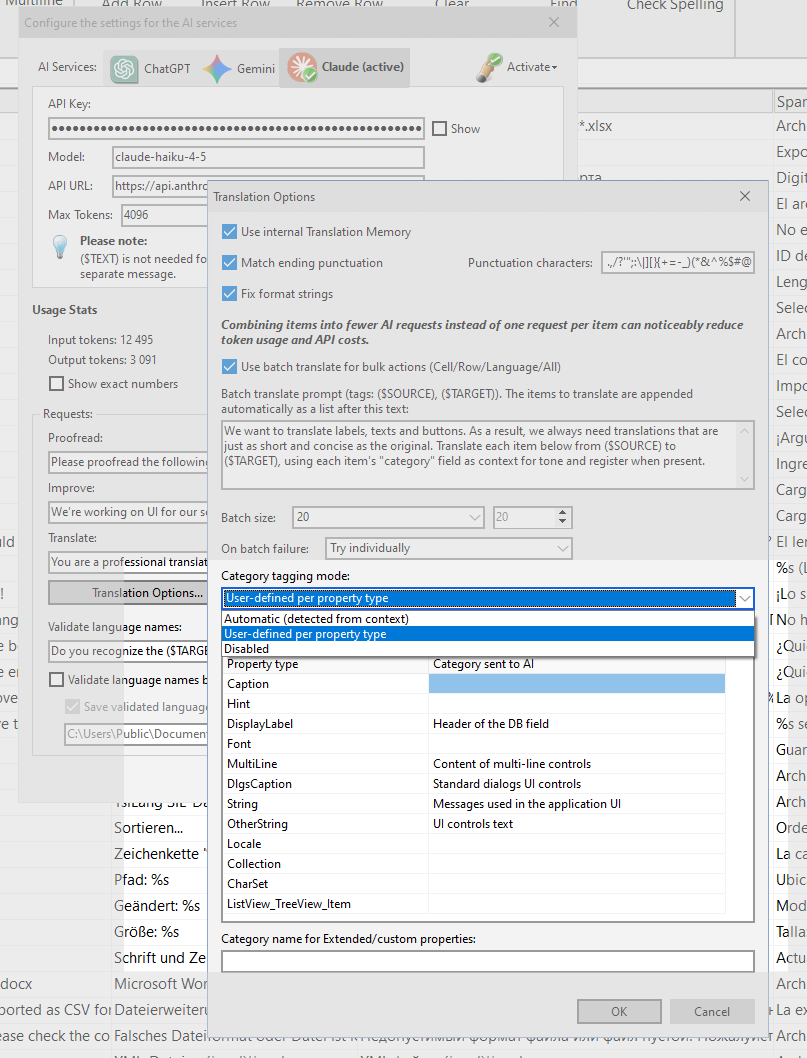
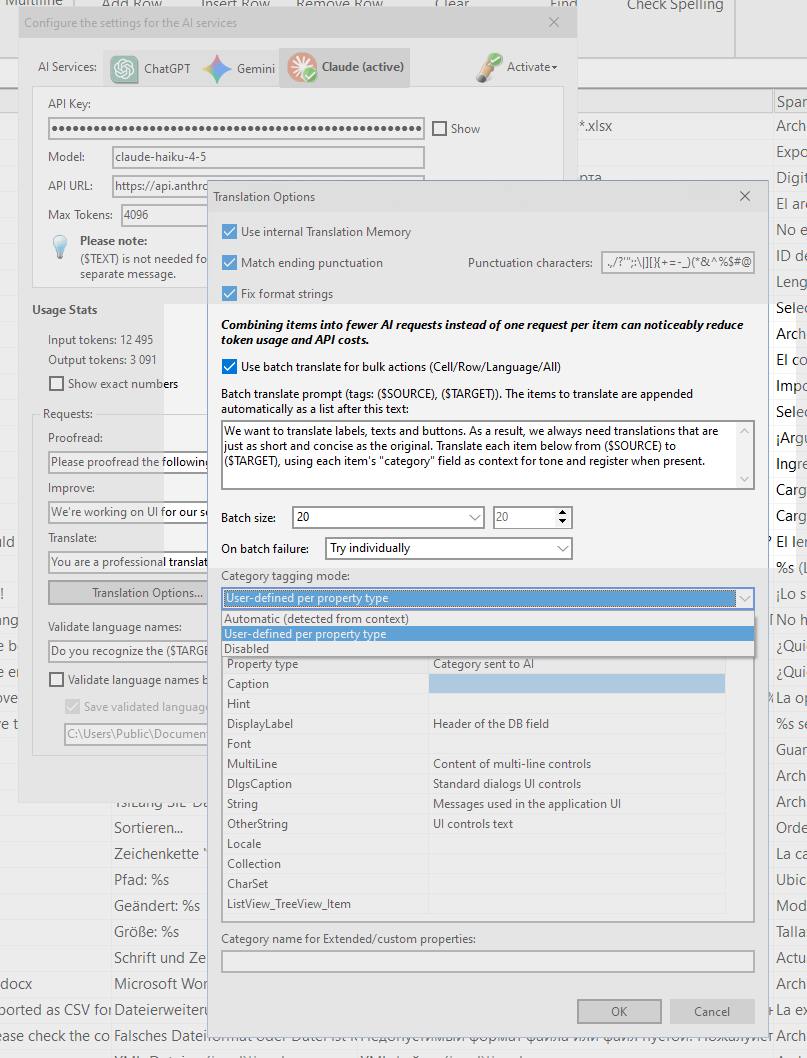
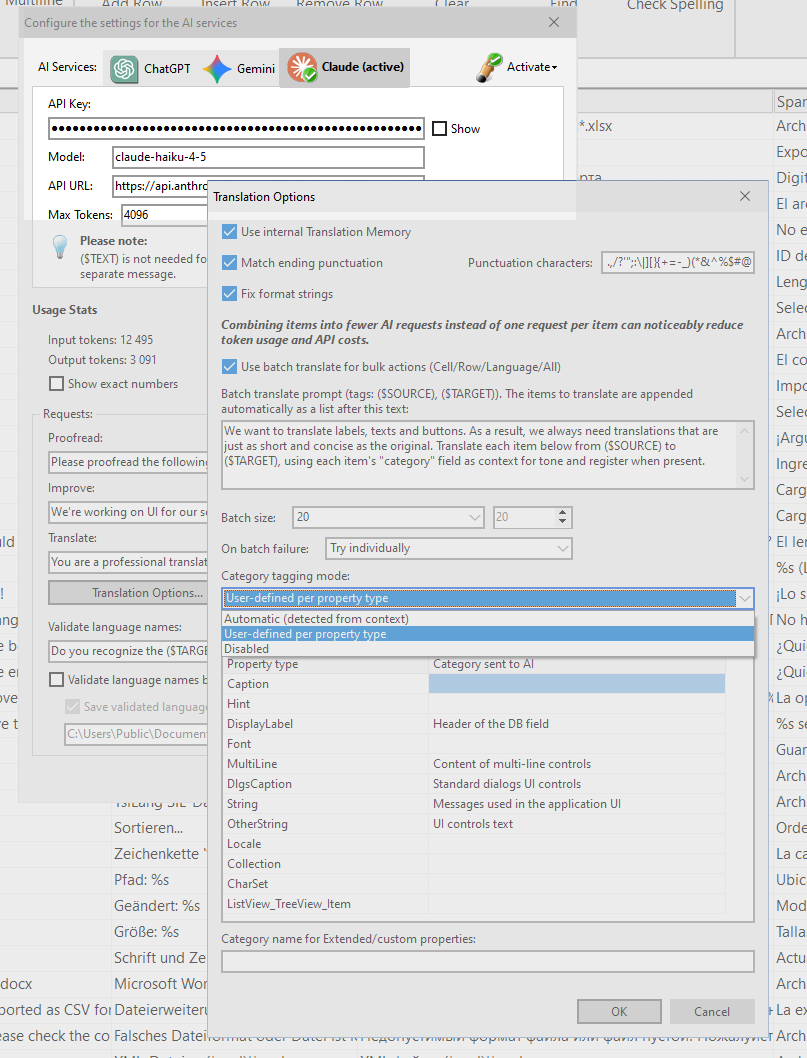
AI translation just got a lot more capable. The Translation Editor and SIL Editor now automatically detect what kind of string you’re translating – a button caption, a window title, a hint, a menu item – and pass that context to the AI, so it can adjust tone and formality accordingly instead of translating everything the same way. You’re in full control of this through three modes: Automatic, User-Defined, or Disabled.
We also added Batch Translate: instead of sending one AI request per string, the Translation Editor can now bundle multiple items into a single request per chunk. That means significantly faster translation runs and lower token costs on forms with lots of languages – configurable batch size, a dedicated batch prompt, and control over what happens if a batch fails.
And Claude AI (Anthropic) joins the roster of supported AI services, alongside updates for Gemini 3‘s newer response format and extended-thinking output.
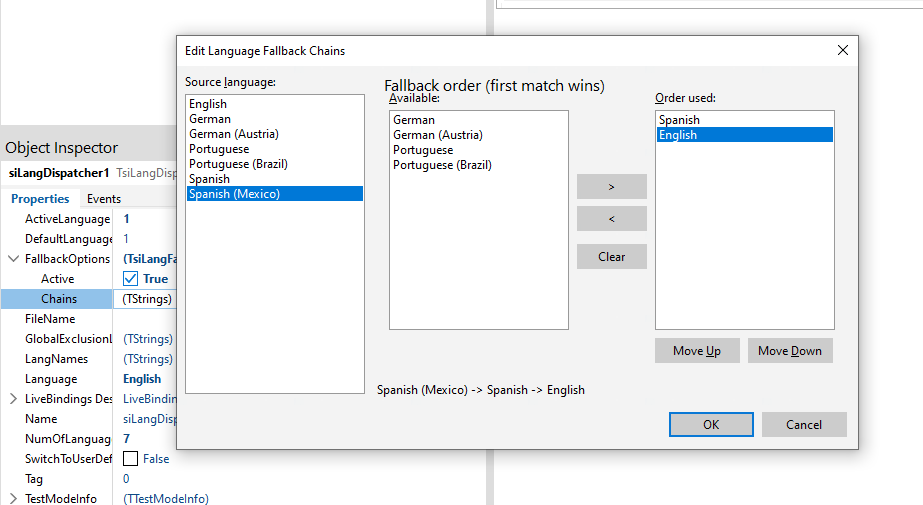
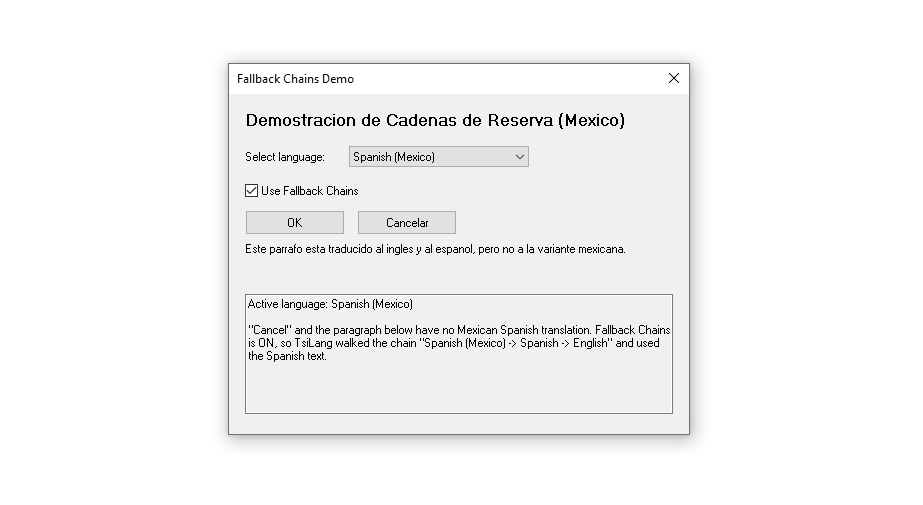
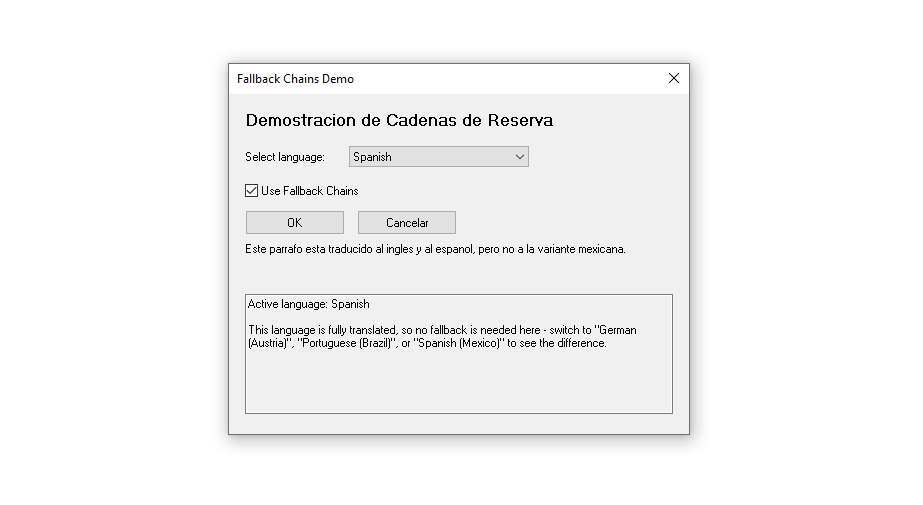
One of the most requested features: TsiLangDispatcher now supports configurable, multi-step language fallback chains. Instead of a single default language, you can define something like Portuguese (Brazil) → Portuguese → English, so if a regional variant is missing a translation, your app gracefully falls back through the chain.
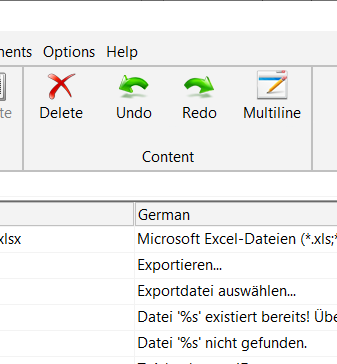
Translation Editor, SIL Editor, and Dictionary Manager all gained full Undo/Redo support – cell edits, batch edits, row operations, clipboard actions, even AI translations and Translation Memory actions can now be undone. If you’ve ever fat-fingered a bulk operation, this one’s for you.
Built-In Spell Checking
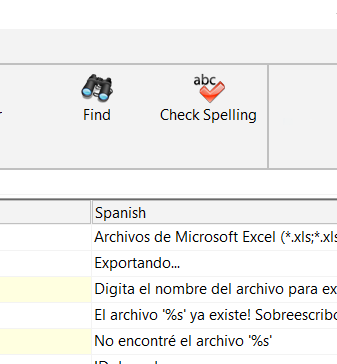
Native OS spell-checking has landed in both the Translation Editor and SIL Editor – live checking as you type in the multiline editor, on-demand grid checks, and per-language locale mapping, so you’re checking spelling against the right language, not just your system default.
Two new checks help catch the kind of inconsistencies that are easy to miss by hand:
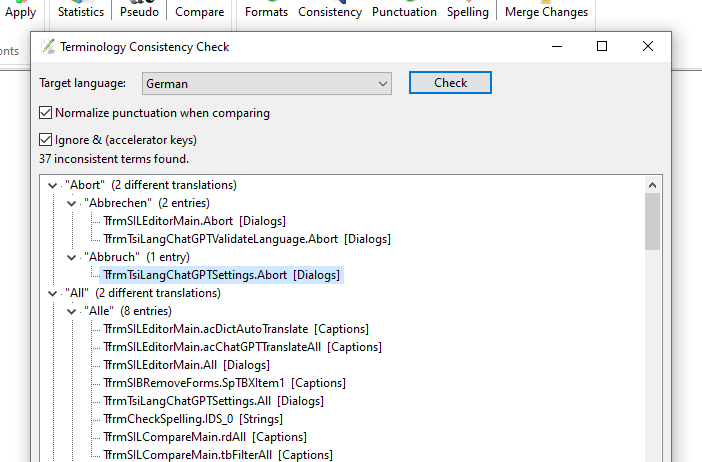
Consistency Check (TsiLang Expert & SIL Editor) flags source-language strings that were translated differently in different places, with one click taking you straight to each occurrence.
Punctuation Parity Check (SIL Editor) flags translations whose trailing punctuation doesn’t match the source – handy for catching a missing question mark or stray period.
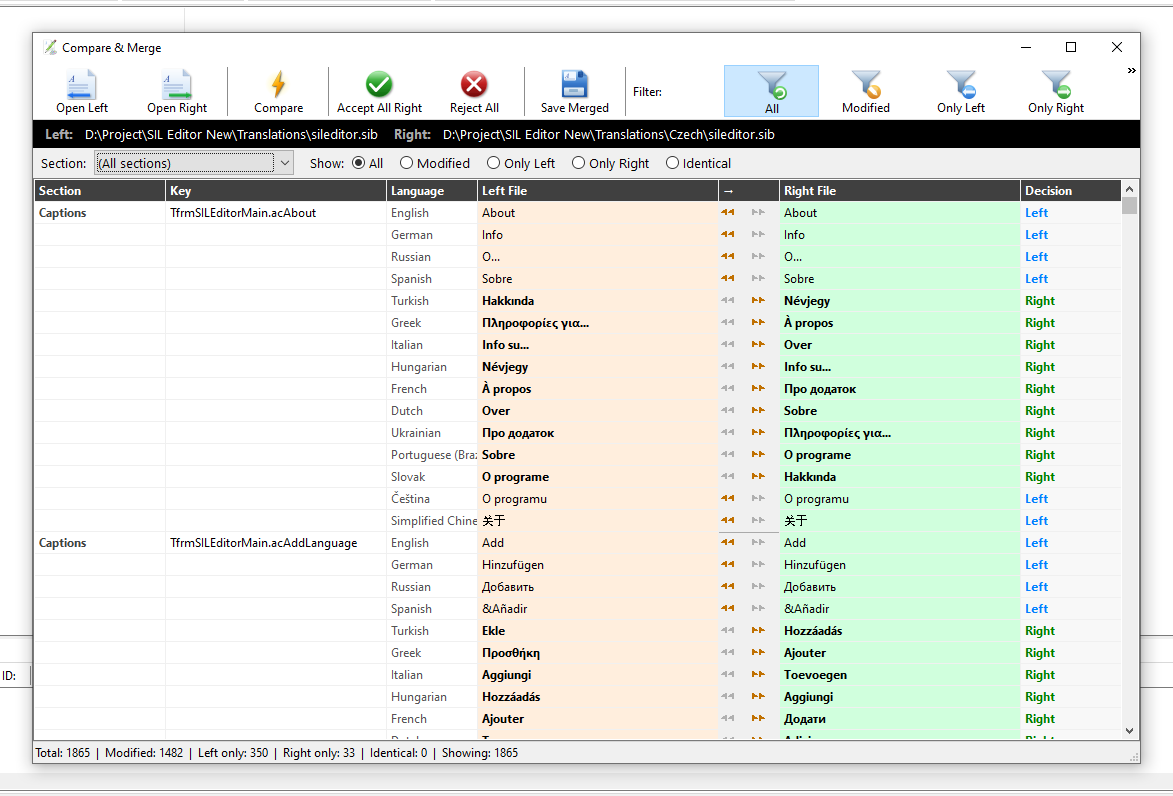
SIL Editor and Dictionary Manage also gained Merge & Compare, a side-by-side diff/merge tool for comparing two .SIL/.SIB (or .DIC) files entry by entry and accepting or rejecting each change — great for merging translation work from multiple contributors.
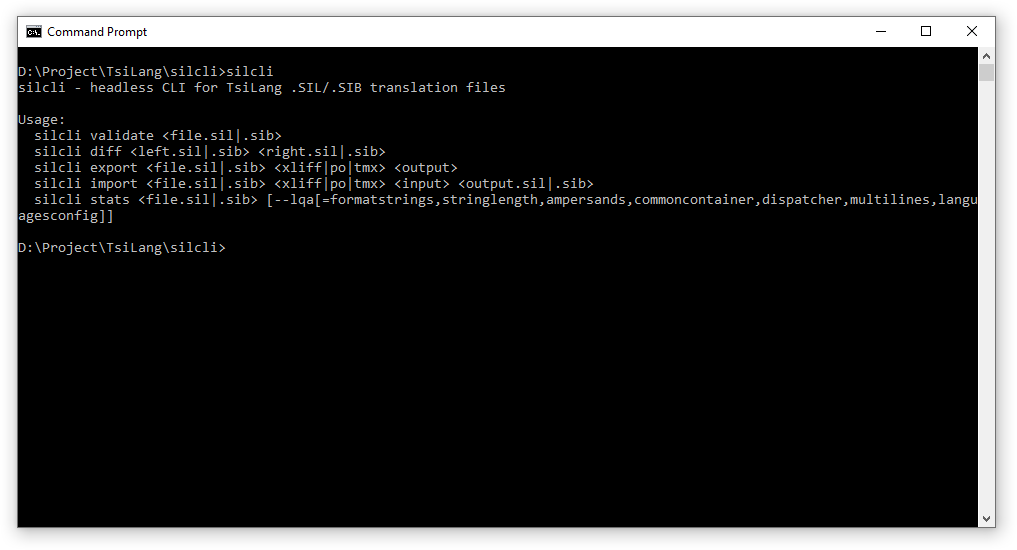
New: silcli.exe - Validate Translations From the Command Line
For teams with CI/CD pipelines or headless build servers, we built silcli.exe, a new command-line tool that validates, compares, imports/exports (XLIFF/PO/TMX), and generates statistics for .SIL/.SIB files.
Also Worth Mentioning
MyMemory support added to TsiInternetTranslator (and Dictionary Manager), including contributing translations back to the community memory.
Translation Memory Fuzzy Match in the Translation Editor, for finding similar existing translations by similarity score.
Broader import/export support across the suite: JSON, XLIFF 2.0, PO, and TMX.
Full release notes are available on our What’s New page. As always, thanks to our translators and community for the feedback that shapes these releases — including updated Czech and Turkish translations in this one.